
Open the company profile
Click AI Employees in the sidebar, then Company profile. Until you fill it in, the row shows Set up.Draft it from your website
The fastest start is your website.1
Enter your website
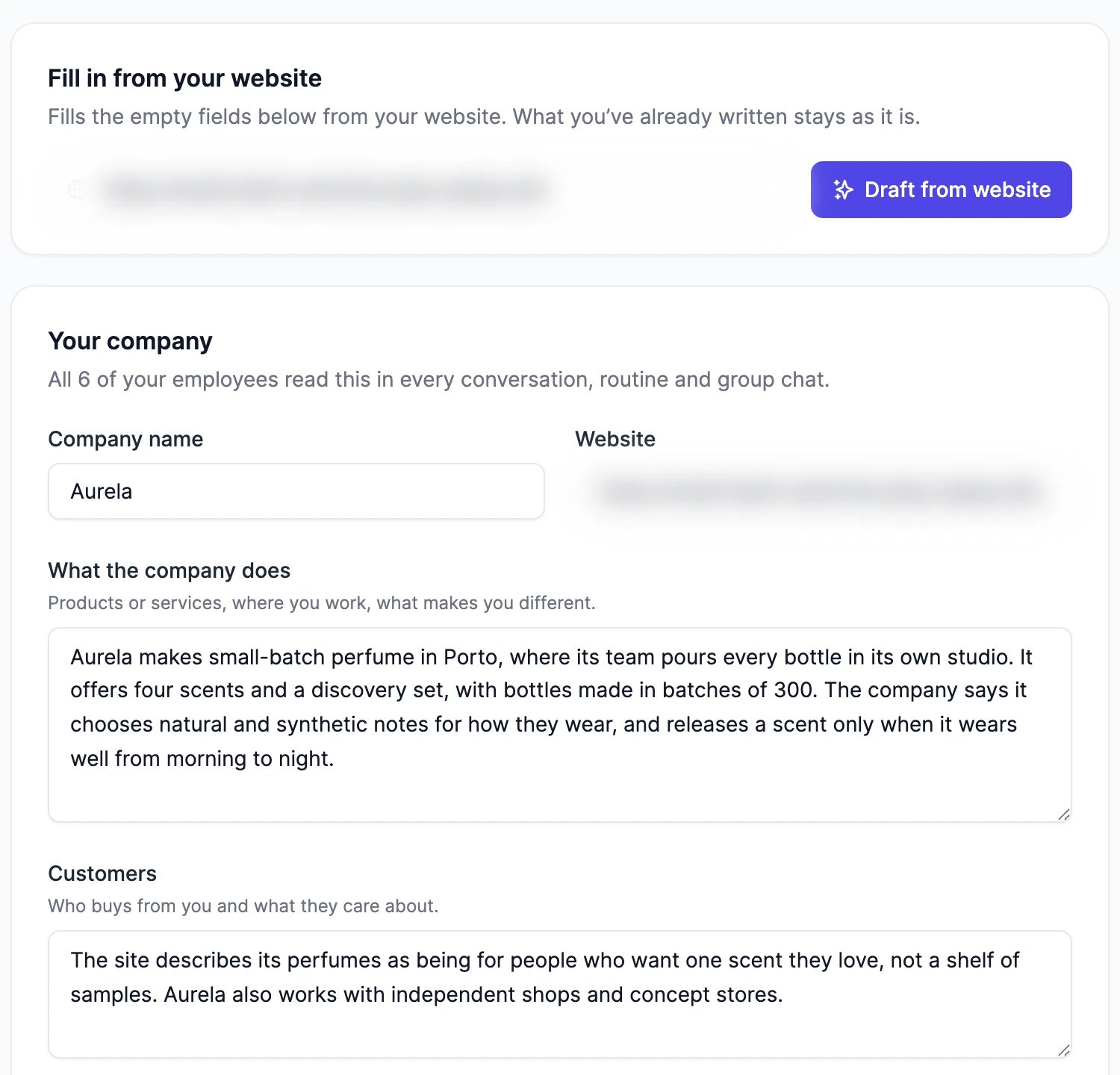
Under Start from your website, enter your website’s address.
2
Draft it
Click Draft from website. We read your home page and a few pages it links to, such as about, pricing, and help pages, and fill in the profile. It takes up to a minute, and you can keep editing meanwhile.
3
Check it and save
Read every field, fix anything that’s wrong or missing, then click Save. Nothing is saved until you do.
Some websites load their text with JavaScript, so we can’t read much of them. If the draft says your website gave us very little text, fill in the rest yourself.
What goes in it
Update it from a chat
You can also ask any employee in a chat, for example “Add to the company profile that we ship to the whole EU.” The employee updates the field and tells you what it changed. Only you can have it changed, while you chat with the employee. Routines and other people can’t change it. The page shows when the profile was last updated, and by whom.How it fits with each employee’s instructions
The company profile is for what’s true for every employee. Each employee’s own instructions are for its role. Where they disagree, the employee’s instructions win. People you invite to a group chat and your team in Slack get answers that follow the company profile too.The profile changed while I was editing
The profile changed while I was editing
An employee may have updated it while you had the page open. When you save, the page says so. Click Load latest to see the newer version (your unsaved changes are dropped), or Keep mine to save your version over it.
Do employees still need instructions?
Do employees still need instructions?
Yes, for their role: what they do, how they work, and what they ask you first. Put what every employee needs in the company profile, and only role-specific rules in each employee’s instructions.
Profile and quality
Each employee’s own instructions.
Knowledge, memory, and skills
Documents an employee answers from.