
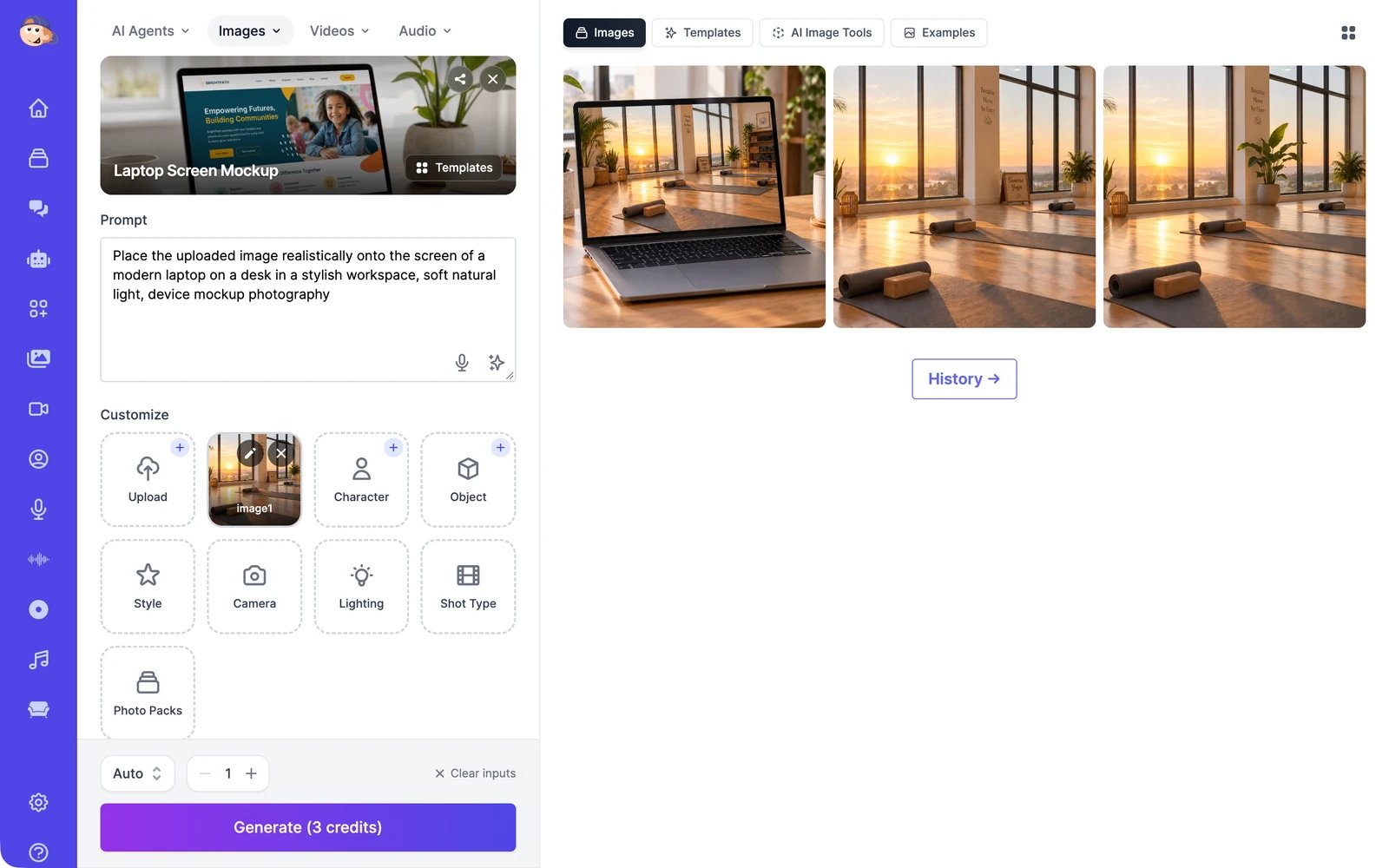
- On the left, you describe the image, add your own photos if you want them in it, pick a model, and click Generate.
- On the right, you see your results and ideas to start from.
What you can do
Create images from text
Describe an image, choose a style and a model, and generate up to four at once.
Edit images
Change any image by describing the change, or by pointing at spots on it.
Templates and one-click tools
Start from a ready-made look, or run a tool like Ghiblify or Caricature.
Remove or replace a background
Cut out the subject, or put it somewhere new.
Upscale images
Make an image sharper and up to four times larger, or restore an old photo.
Manage your images
Download, share, turn into video, and find everything you’ve made.