
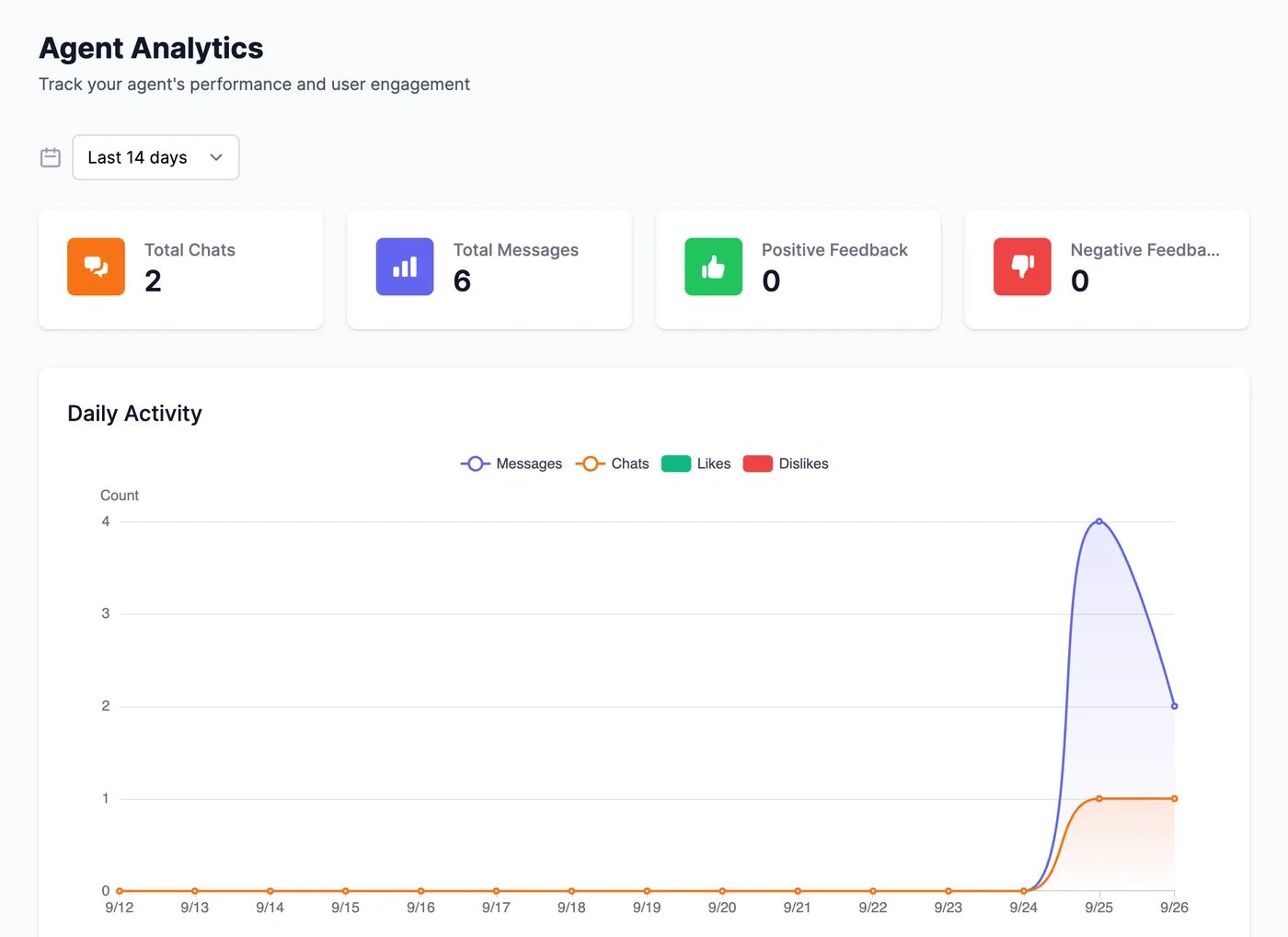
Analytics shows how much your agent is used and how visitors feel about its answers. Open your agent and click Analytics.
Agent Analytics for the last 14 days: Total Chats 2, Total Messages 6, Positive Feedback 0, Negative Feedback 0, and a Daily Activity chart of messages and chats
Choose a period at the top: the last 7, 14, 30, or 90 days, or Custom for any range up to 120 days.

Use it to improve your agent

  • Negative feedback or negative sentiment points to answers worth checking. Open the conversation in Conversations, and click Revise answer to fix it.
  • A jump in messages after a change, such as a new page on your website, shows whether people find the chat.

Conversations

Read the chats behind the numbers.

Leads

Get a daily summary by email.