
Add references
1
Open Add media
Click Add media under References (optional).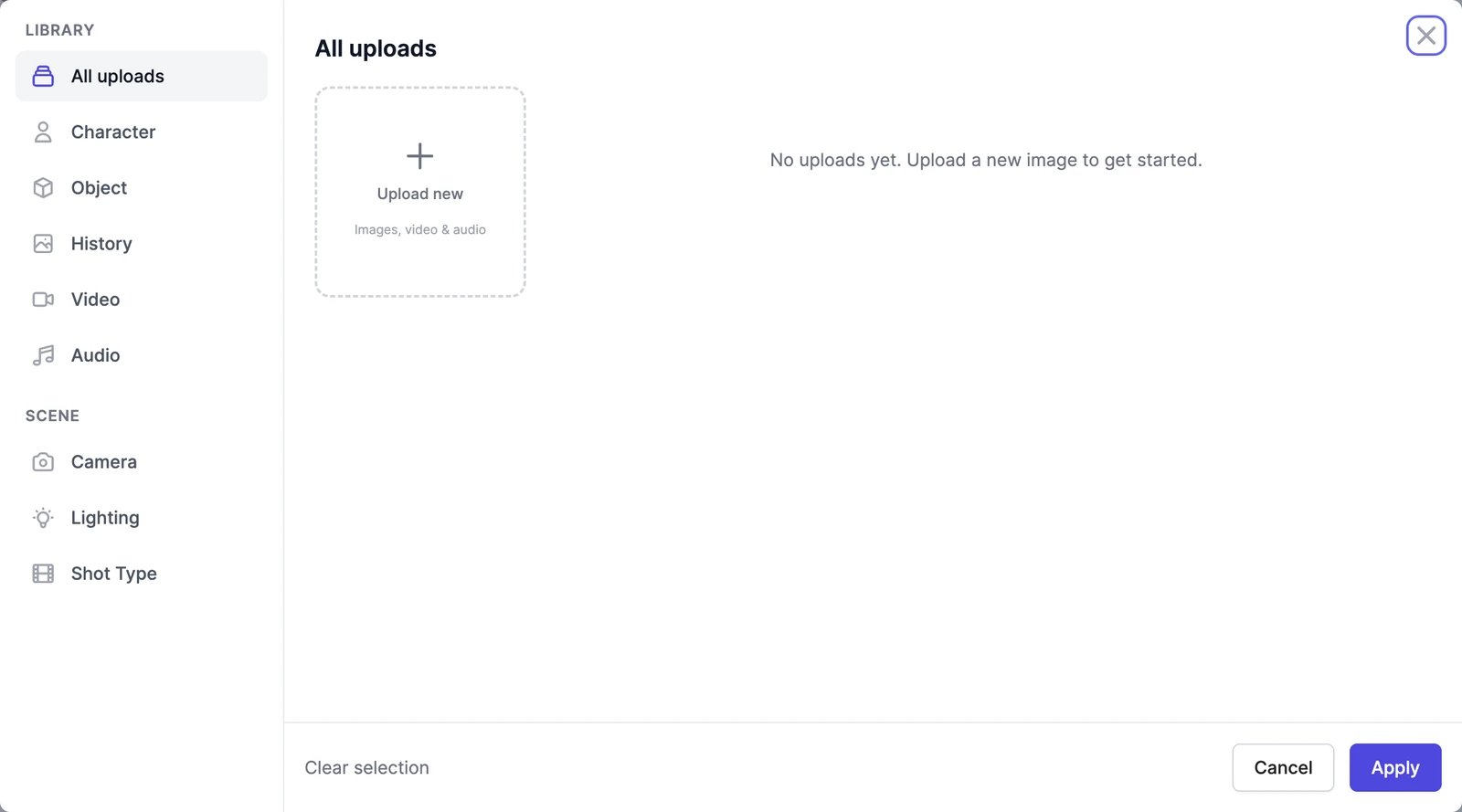
2
Pick your media
Choose from the Library tabs:
- All uploads: everything you’ve uploaded. Upload new takes images, MP4 or MOV videos, and audio files.
- Character and Object: the people and products you’ve saved in your library, also used in AI Images.
- History: images you’ve generated.
- Video and Audio: a reference clip and a sound file. If an audio file is longer than the model allows, drag the highlighted window over its waveform to choose the part to use.
3
Click Apply
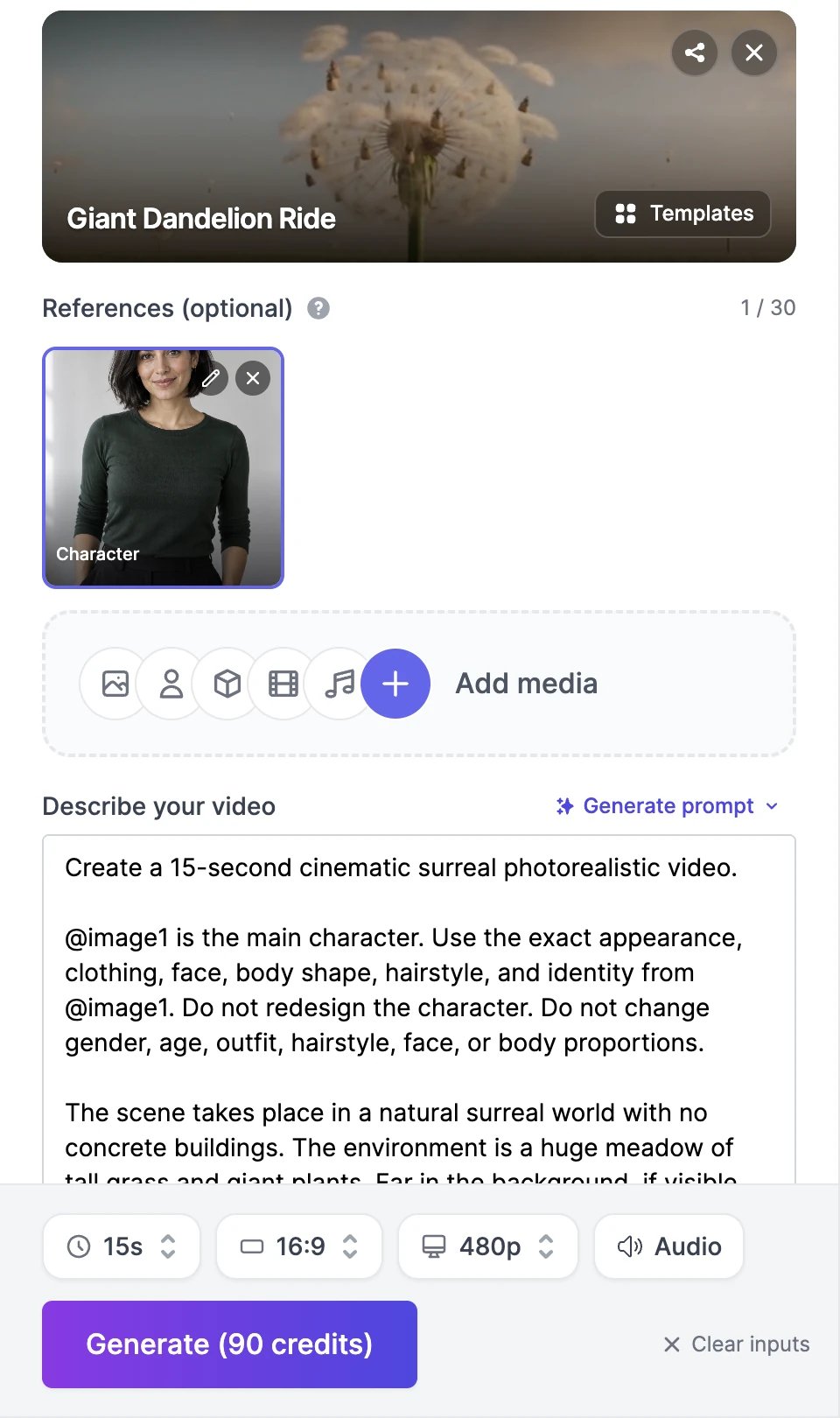
The references appear under References (optional) with a counter, such as 1 / 30. If your model can’t use references, the page switches to its reference version, for example from Seedance 2.0 Fast to Seedance 2.0 Fast Reference. Remove the references and it switches back.
4
Say how to use them in your prompt
Describe what each reference is for. Many models understand @image1, @image2, and so on, in the order you added them: “@image1 is the main character. She walks into a sunlit yoga studio and rolls out her mat.”
Rules
- References or a start image, not both. Adding a start or end image removes the references, and adding references hides the start and end images.
- Audio needs company. Add at least one image or video reference with any audio reference.
- Audio formats. MiniMax H3, Seedance 2.5, and WAN 3.0 accept only WAV or MP3 audio.
- Video files must be MP4 or MOV.
- Images you add are checked against the content policy. A blocked image is marked Blocked and must be removed before you can generate.
Limits by model
The number of references each model accepts per video. Models that aren’t listed don’t take references.What references cost
- Images are included in the price on most models.
- Reference videos are charged by their length on Seedance 2.0, Seedance 2.5, and MiniMax H3, at the same rate per second as the video you generate. For example, a 10-second clip adds 60 credits to a Seedance 2.5 Reference video at 480p.
- On MiniMax H3 Max Reference, images and clips are charged by size: about four images are free, and each clip adds credits by its length.
Video templates
Many templates are built around one reference photo of you.
Video models and credits
Compare the models that take references.