
1
Create your account
Go to easy-peasy.ai and sign up with Google, Facebook, Apple, or your email address. If you use email, open the confirmation link we send you.New accounts start on the Free plan, so you can try everything on this page before choosing a plan. See Plans and credits for what’s included.
2
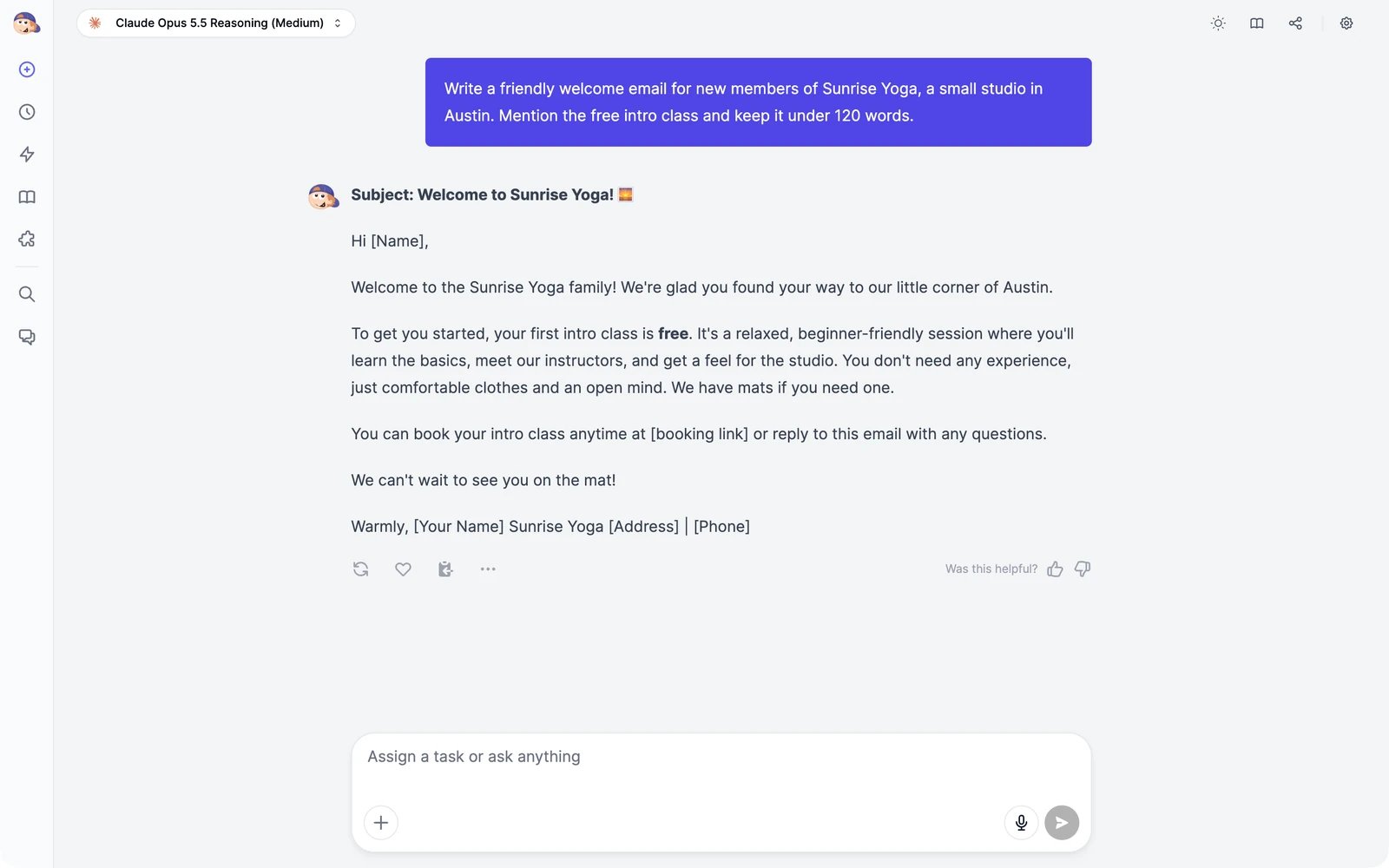
Give Marky a task
The Home screen opens with one question: How can I help you today? Type what you need in the box and press Enter.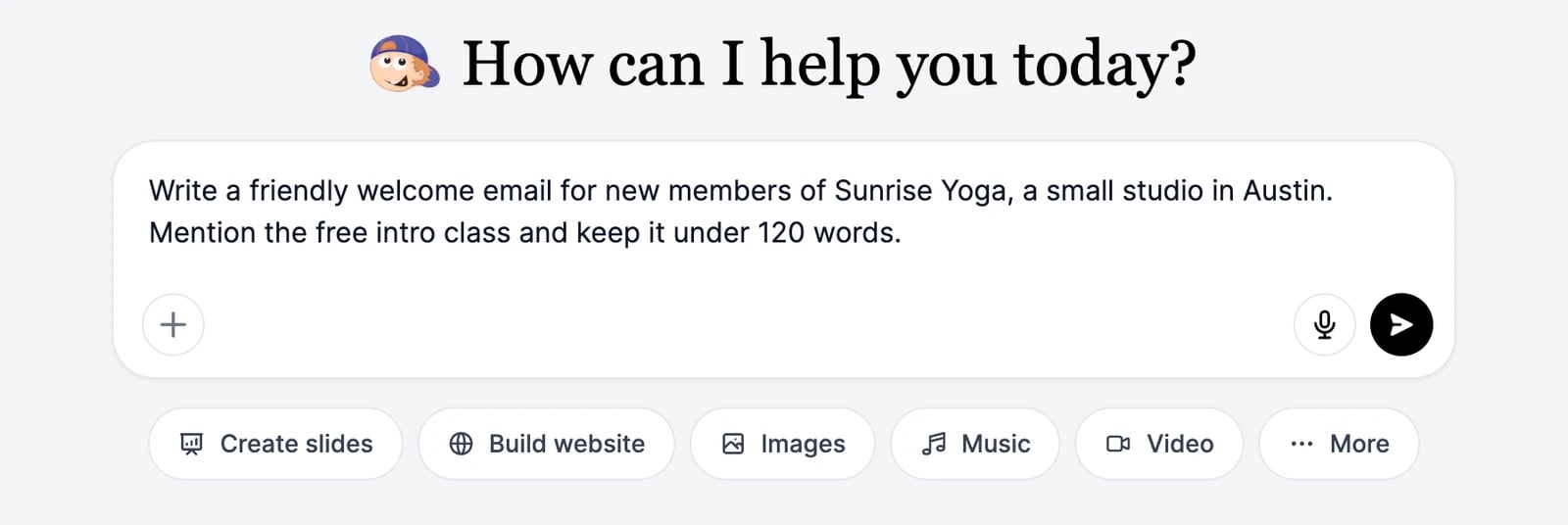
3
Run a tool
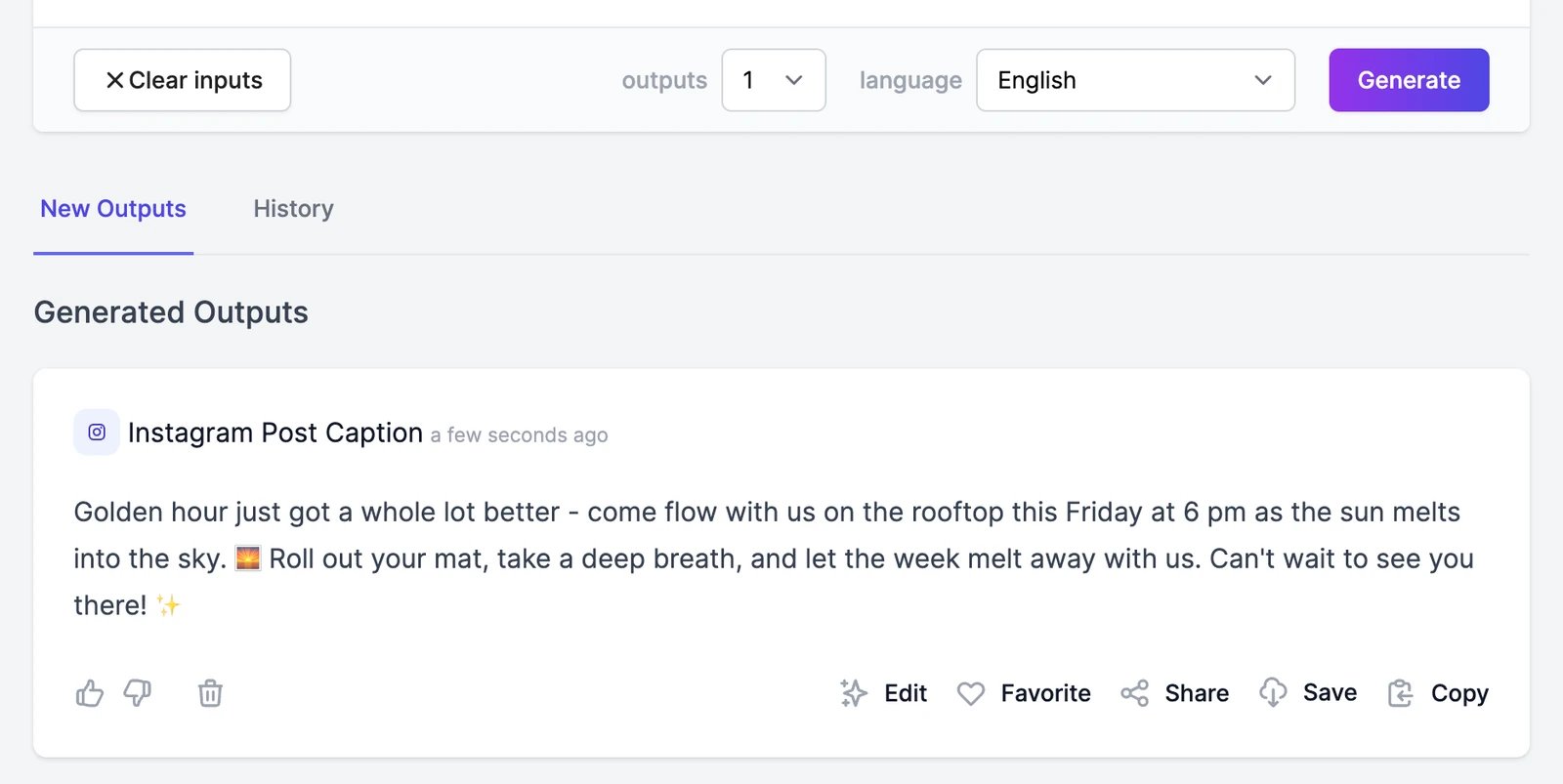
Tools are single-purpose generators with a short form to fill in. Click All Tools in the sidebar, then search or pick a category.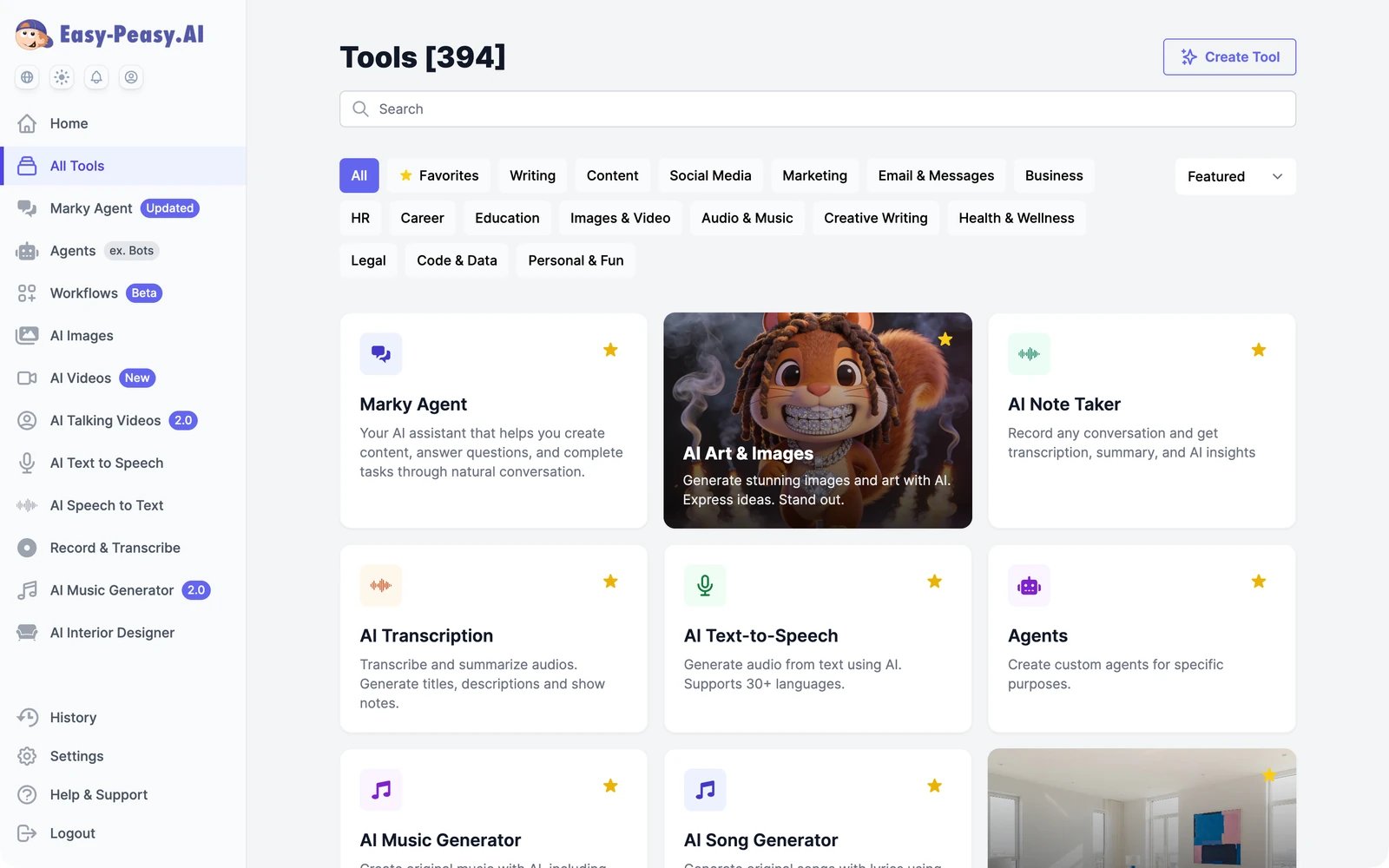
4
Find your results
Everything you create is saved. Click History in the sidebar to see it, sorted into tabs such as Text, Images, Videos, and Music. Marky conversations appear here too; click Open Chat to continue one.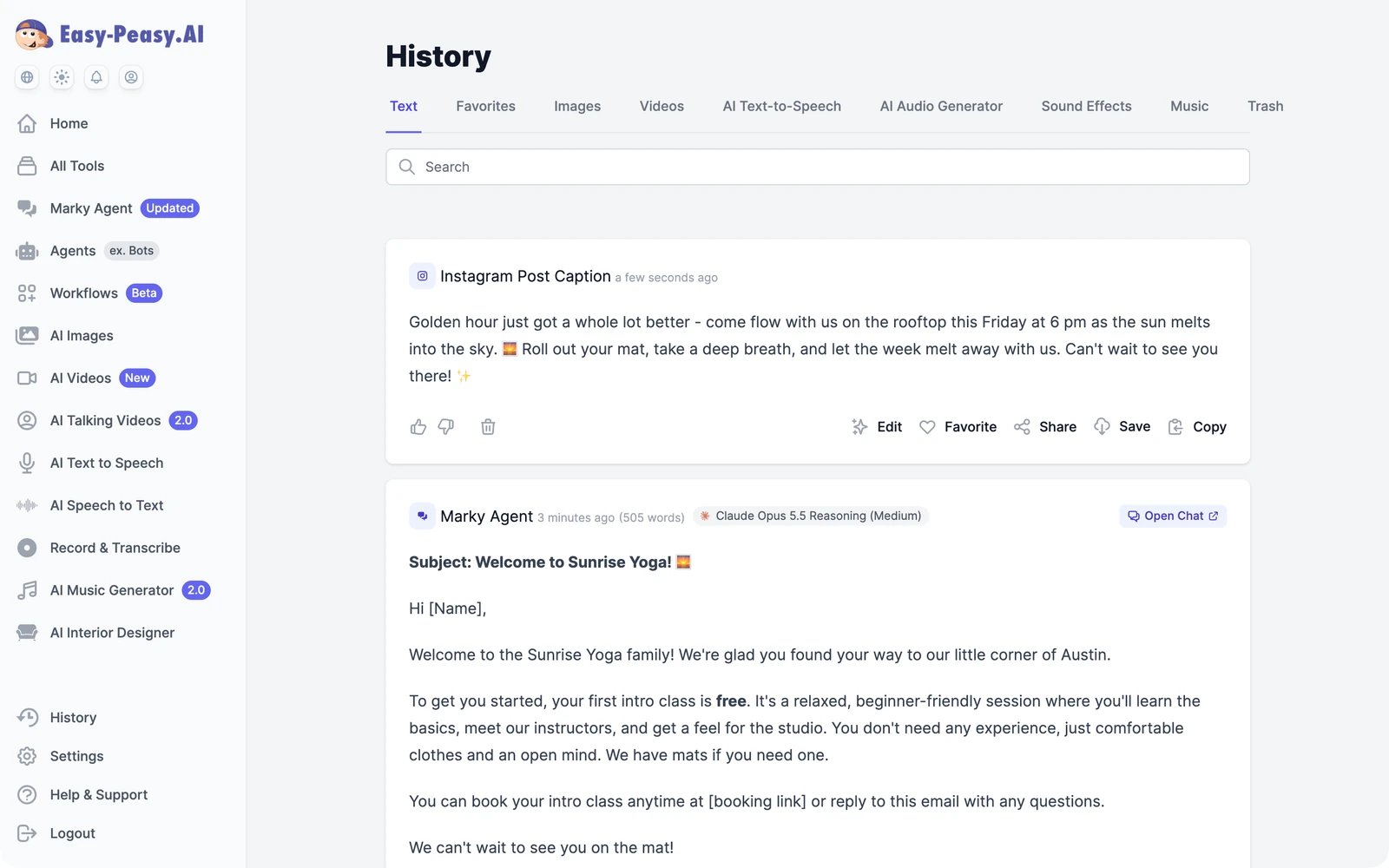
Next steps
Find your way around
Tour the sidebar, the Home screen, and Settings.
Plans and credits
See how words and credits are counted.
Marky Agent
Everything Marky can do, from research to slides and websites.
Tools
Hundreds of single-purpose writing tools, and your own.
AI Images
Create and edit images with dozens of models.
AI Videos
Generate, edit, and extend videos, or make one from a sentence.
Agents
Train an agent on your content and put it on your website and channels.
Audio
Speech, transcripts, dubbing, music, and sound effects.