
Where your images are
- The Images tab on AI Images shows your latest results.
- History > Images has everything you’ve made, including videos. Search by prompt, filter by date, and on a team, filter by person.
- History > Favorites collects the images you’ve marked with the heart.
Quick actions
Hover over an image to see its actions:
Image details
Click an image to see how it was made: the model, the prompt (with a button to copy it), the credits it used, and the date. The same actions are here as buttons, plus Remove Background and Delete.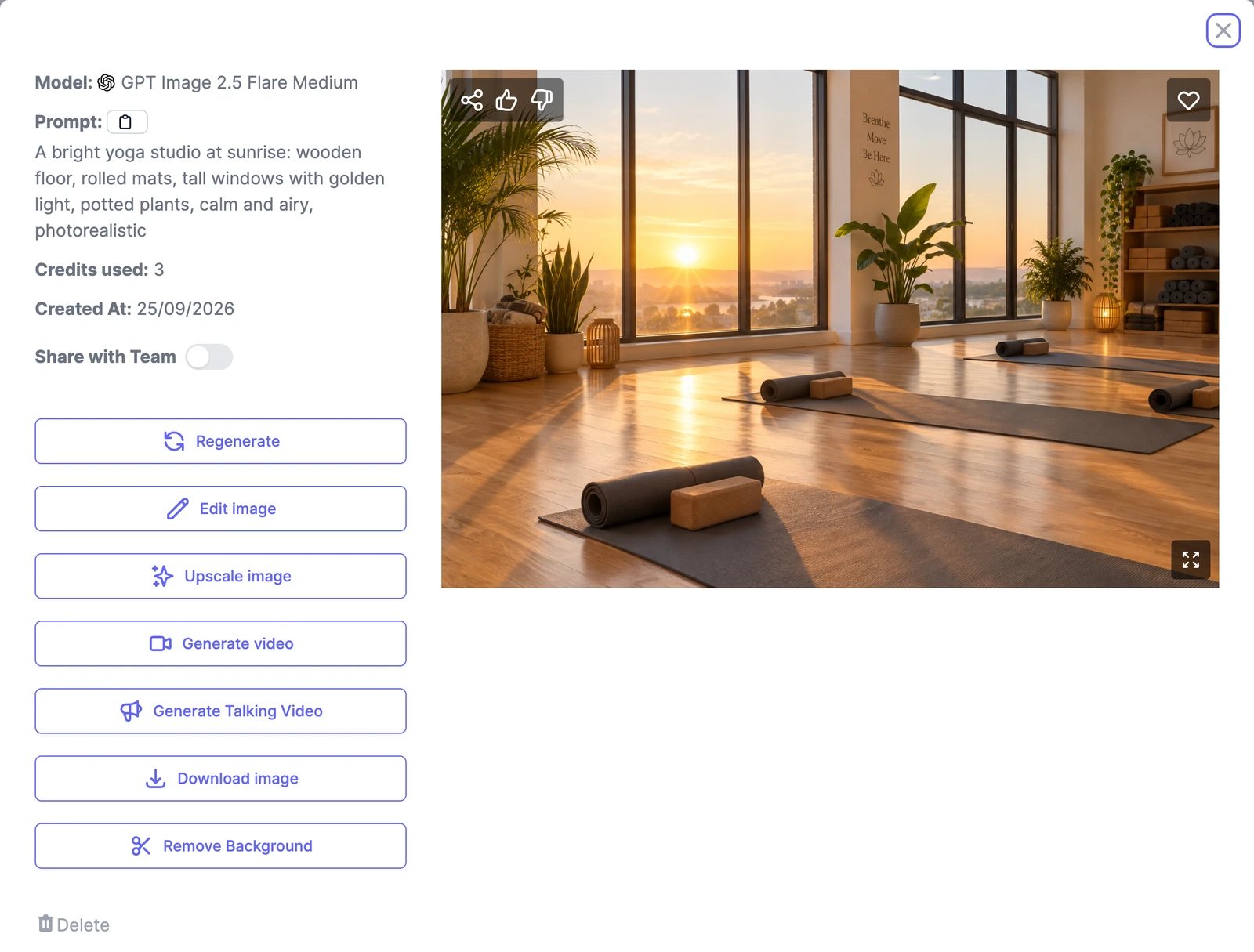
Share an image
- Share with Team in the details makes the image visible to everyone on your team. Teams plans only.
- Share gives you a public link, a page for the image on easy-peasy.ai, and buttons to post it to LinkedIn, Facebook, X, and Reddit. Images you share publicly can also appear in Examples for other people to see. Turn Share Publicly off to take the page down.