
Video upscaling is available on paid plans.
Upscale a video
1
Choose the video
On one of your videos, open the ⋮ menu and click Upscale video. Or open Videos > Upscale Video and click Upload video: MP4 or MOV, up to 10 minutes and 100 MB.
2
Pick a model and resolution
Choose Standard, Pro, or Ultimate, and a Resolution: 720p, 1080p, 2K, or 4K. The default is Standard at 1080p.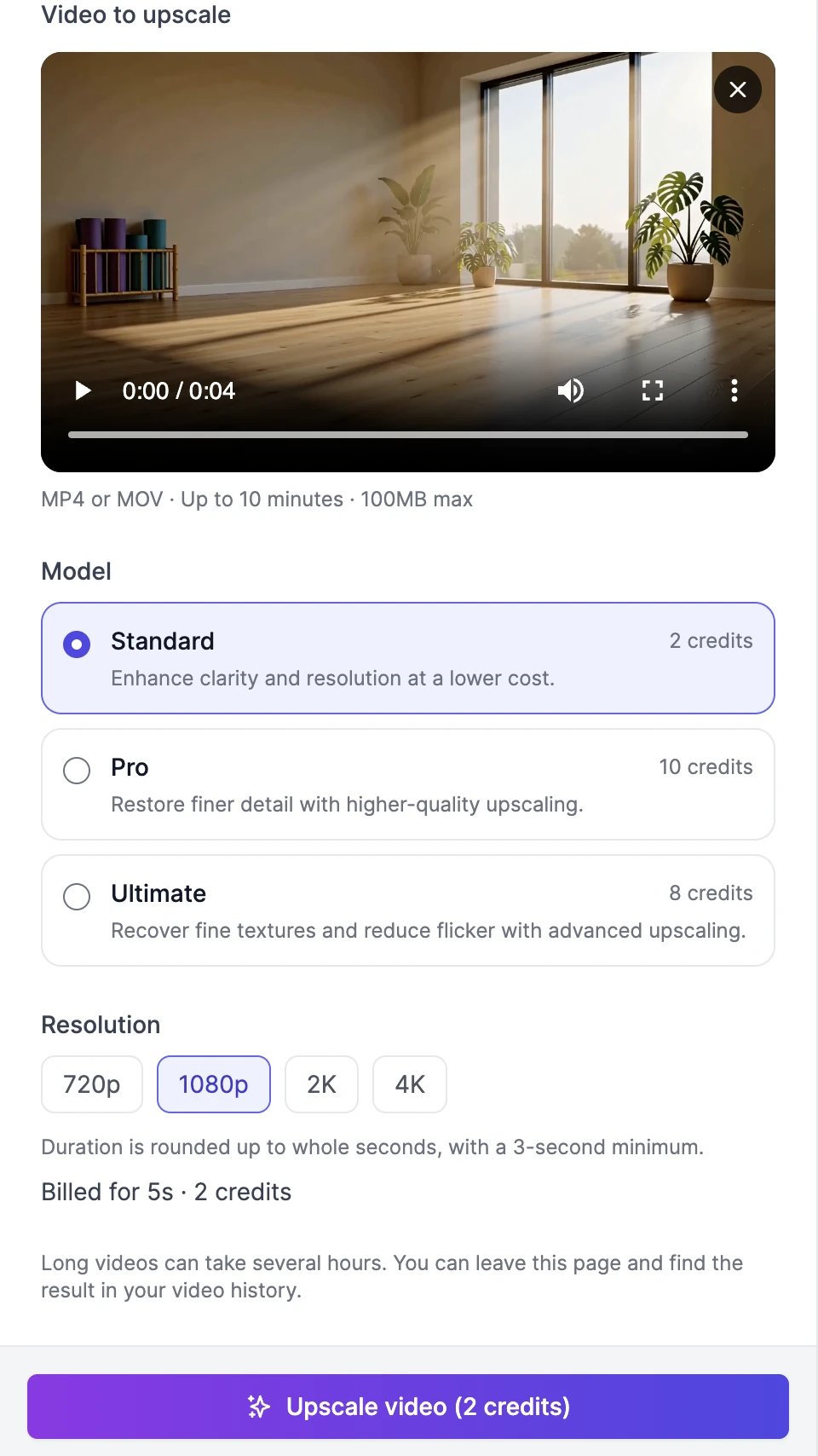
3
Click Upscale video
The upscaled video appears in your results when it’s ready. Short clips take a few minutes; long videos can take several hours. You can leave the page and find the result in History > Videos.
Models and credits
Prices are in credits per second of the video. The length is rounded up to whole seconds, with a 3-second minimum, and the total is rounded up. For example, a 1-minute video costs 15 credits with Standard at 1080p and 240 credits with Ultimate at 4K.
Upgrade a MiniMax H3 video to 2K
Videos made with MiniMax H3 at 768p have one more option: Upgrade to 2K · MiniMax in the video’s menu. Instead of upscaling the pixels, MiniMax H3 renders the video again at 2K, guided by the original video, prompt, and references. The result is saved as a new video and can differ slightly from the original.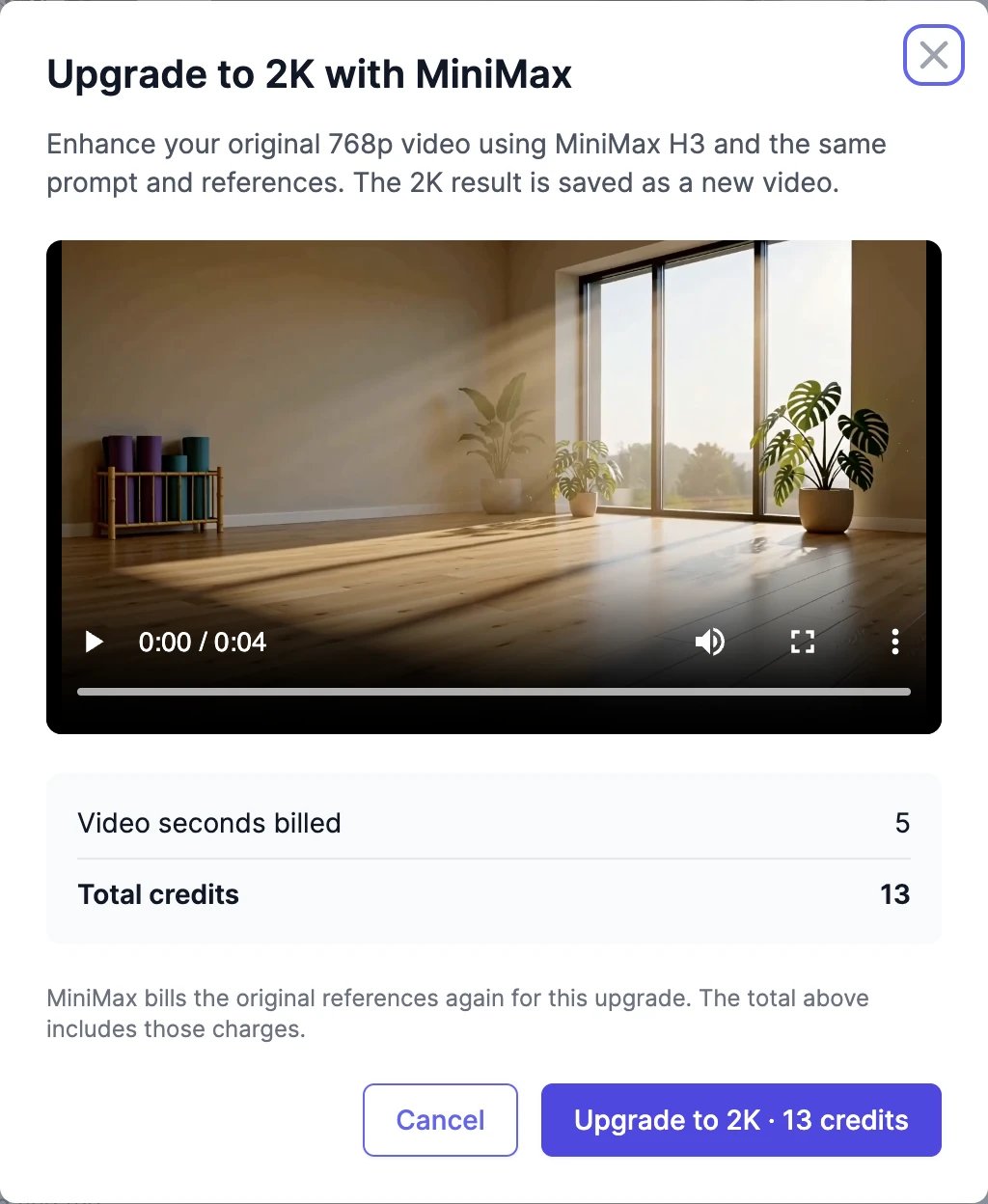
Extend a video
Make the video longer.
Manage your videos
Download and share the result.